Online payment on your ordering site
After this article your customers pay in advance on your ordering site, and the money reaches your own account through Mollie.
What you need
- A Mollie account in the name of your venue, with iDEAL switched on.
- Your login for My Joep.
How long it takes: 10 minutes
Steps
Open My Joep and go to Orders and payment.
In the block “Your Mollie account” you see whether Mollie is connected already. On your ordering site a customer pays in advance through Mollie, and without a connection your site takes no orders.
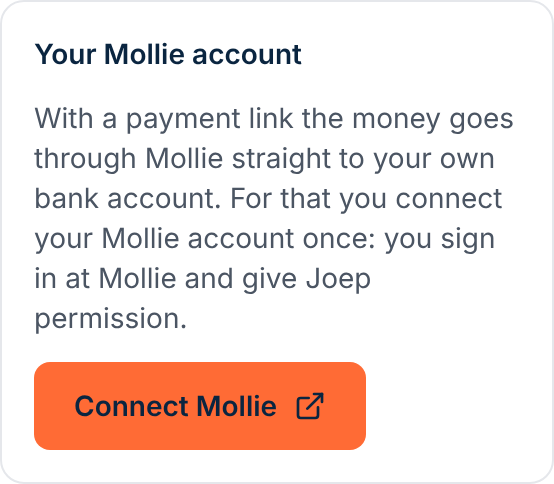
Click “Connect Mollie” and give your permission at Mollie.
You log in at Mollie and then come back to My Joep. If the checklist on the Ordering site page asks you later to connect again, do so: your ordering site needs permission to refund.
Switch on iDEAL in your Mollie account, and credit card and Bancontact as well if you want.
Without iDEAL your ordering site cannot go live. Your customer pays with what you have switched on at Mollie: iDEAL, and credit card and Bancontact as well if you switch them on.
Go to the Ordering site page and check in the checklist whether the line about Mollie is green.
If something is still open, you read there what Mollie still needs from you, for example that your application at Mollie is not complete yet. After solving it you have it checked again in the same place.
Choose on Orders and payment whether a customer who collects may also pay at the counter.
If “On pickup or delivery” is on, a customer who collects can also choose the counter on your site. A delivery is always paid in advance on your site.
How to tell it worked
The block “Your Mollie account” says which account you are connected with, and in the checklist on the Ordering site page the line about Mollie is green.
Not working?
A payment of your customer fails or is broken off.
Your customer sees on the page of the order that it is not paid yet, and can pay again there for a quarter of an hour, also with another way to pay. If the customer does not pay, the order lapses: you get no receipt and nothing was charged.
Nobody can order on your ordering site any more after you disconnected Mollie.
Without a connection your ordering site takes no orders. Click “Connect Mollie” again on Orders and payment.
A customer cancels right after ordering.
Within a minute after paying your customer can still cancel. The amount then goes back to your customer through Mollie, and the order does not come out of your printer.
Related articles
Updated on