Create and connect your Mollie account
After this article your Mollie account is connected and you can have callers pay in advance with a payment link.
What you need
- A Mollie account with a website profile to receive payments on.
- The details you sign in to Mollie with.
- A business where Joep takes orders: only then does a caller get a payment link.
How long it takes: 5 minutes, if you already have a Mollie account
Steps
Create an account at Mollie if you do not have one yet.
You do that at Mollie itself: My Joep does not create an account for you. What Mollie costs is on Mollie’s pricing page. You pay per payment, to Mollie.
Open My Joep and go to Orders and payment.
Under “How may the caller pay?” the option “In advance with a payment link” still says “For this you first connect your own Mollie account, below.”
Click “Connect Mollie” in the block “Your Mollie account”.
You leave My Joep and arrive at Mollie.
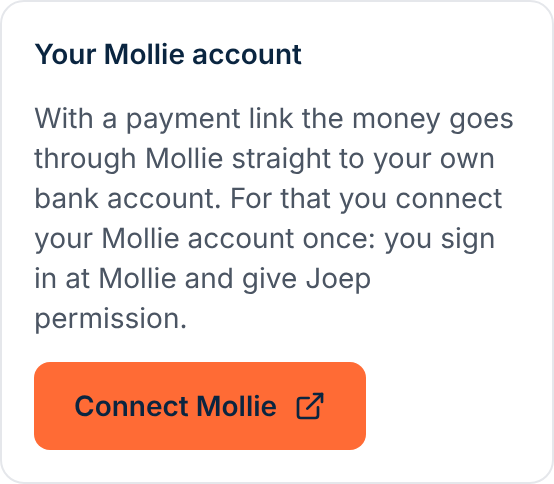
Sign in at Mollie and give Joep permission.
After that you come back to the Orders and payment page by yourself. At the top it says “Your Mollie account is connected. You can now choose to have callers pay in advance with a payment link.”
Tick “In advance with a payment link” under “How may the caller pay?”.
Connecting alone does not switch the payment link on. If you leave “On pickup or delivery” ticked as well, Joep asks the caller how they want to pay.
Click “Save” under the ways to pay.
If you want to break the connection later, click “Disconnect” in the block “Your Mollie account”. The payment link then switches off and callers pay on pickup or delivery again. Links already sent keep working until they expire.
How to tell it worked
The block “Your Mollie account” says “Connected with”, followed by the name of your Mollie account. The money of a payment link goes through Mollie to your own bank account.
Not working?
After connecting it says your Mollie account has no website profile yet.
Create that profile in your Mollie dashboard first. Then click “Connect Mollie” again.
It says you declined the connection, that it took too long or that Mollie could not be reached.
Nothing is connected then. Click “Connect Mollie” again and give permission at Mollie. If Mollie could not be reached, try again in a few minutes.
After connecting, callers still pay on pickup or delivery.
Connecting alone does not switch the payment link on. Tick “In advance with a payment link” under “How may the caller pay?” and click “Save”.
Related articles
Updated on