Set a dish as temporarily not available
After this article nobody can order the dish you ran out of, on your ordering site or on the phone, until it is back.
What you need
- A menu that is live in My Joep.
How long it takes: 1 minute
Steps
Open My Joep and go to Menu.
The block “How Joep knows your menu” lists your dishes. Every dish has the button “Sold out today”.
Click “Sold out today” at the dish you ran out of.
It is saved at once: you do not have to click Save. The dish is sold out until 05:00 the next morning. After that it is back by itself.
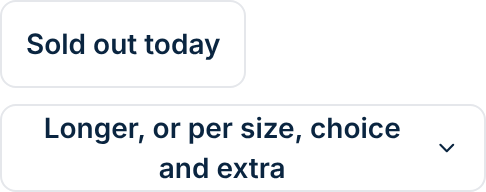
Click “Longer, or per size, choice and extra” when a dish is not to be had for longer.
Choose the last day at “Not available up to and including” and click “Set”. That can be today or later, at most a year ahead. The day after, the dish is back by itself.
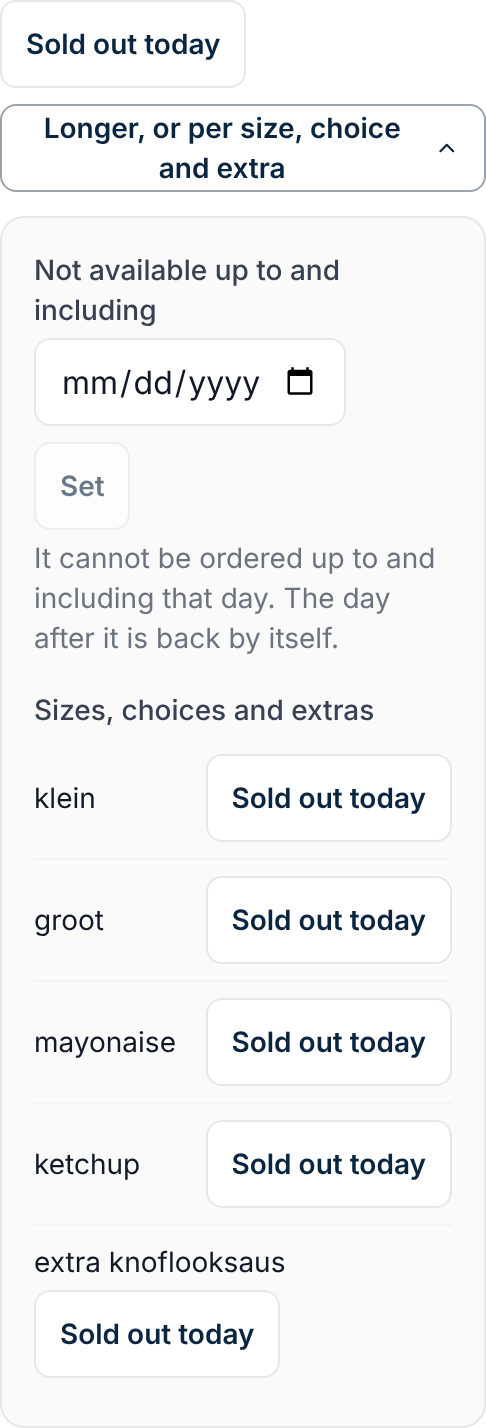
Set only a size, a choice or an extra as sold out in the same place.
Under “Sizes, choices and extras” every line has a button of its own. The dish can then still be ordered, without the sauce or the extra you ran out of. If every size or every choice is sold out, the dish itself cannot be ordered either.
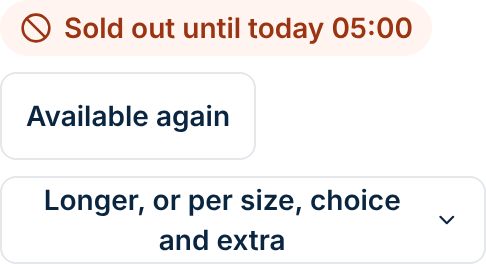
Click “Available again” as soon as you have the dish again.
You only need this when you do not want to wait until it can be ordered again by itself. A dish that is sold out says until when.
How to tell it worked
The dish says until when it is sold out. On your ordering site the dish stays on the menu, but nobody can order it. If a caller orders it, Joep says it is sold out and asks whether the caller wants something else.
Not working?
The dish can be ordered again the next day although you are still out of it.
“Sold out today” runs until 05:00 the next morning. If you are out of a dish for longer, choose “Not available up to and including” and the last day.
You read that your menu is no longer live, or that something is no longer on your menu.
Then your menu was replaced in the meantime. Refresh the page and set the dish as sold out again.
Joep still mentions the dish on the phone.
Joep knows your menu as it is live, and only hears that something is sold out when the order is placed. He then does not take the dish and says it is sold out.
Related articles
Updated on