Sell dishes in the venue only
After this article what you only sell at the counter is no longer on your ordering site and Joep does not take it.
What you need
- A menu that is live in My Joep.
How long it takes: 2 minutes
Steps
Open My Joep and go to Menu.
Find the dish with the field “Search a dish” when your menu is long.
Tick “In the venue only” at the dish.
The box is at every dish. For alcohol and tobacco we switch it on ourselves: those you sell in the venue only.
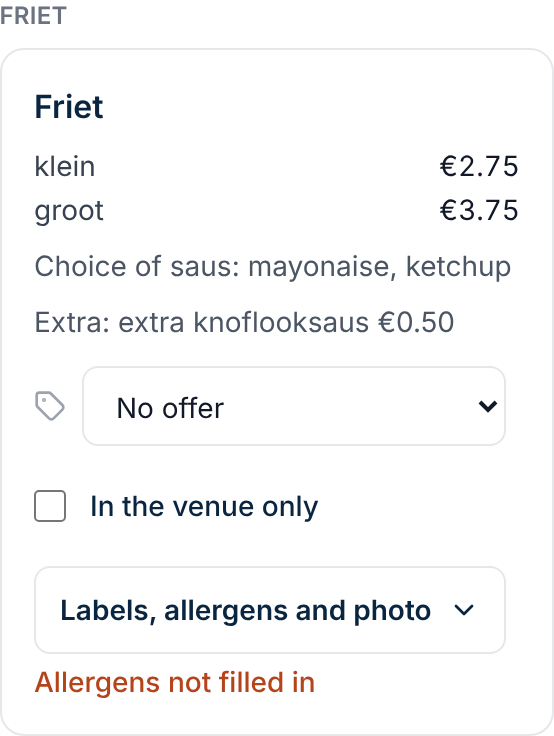
Click Save.
From that moment the dish is no longer on your ordering site, and Joep takes no order for it on the phone. It does stay on your menu in My Joep.
How to tell it worked
The box “In the venue only” is ticked at the dish. The dish is no longer on your ordering site, and Joep takes no order for it on the phone.
Not working?
The box is ticked and you cannot switch it off.
Then we read the dish as alcohol or tobacco. If that is not right for this dish, email support@joep.ai. Then we switch it off.
The dish is still on your ordering site.
Check whether you clicked Save after ticking the box. Your ordering site shows the change within a few minutes.
You want to take a dish off your menu altogether.
This box is not for that. Take the dish out of your own menu and upload the menu again.
Related articles
Updated on