With Joep Complete
Test Joep
After this article you know how Joep answers for your business and whether your settings are right.
What you need
- Your Joep number. It is in My Joep, on the Phone page.
- A phone to call with.
- Your menu in My Joep, if you want to hear whether Joep knows your dishes and prices.
How long it takes: 5 minutes
Steps
Open My Joep and go to Phone.
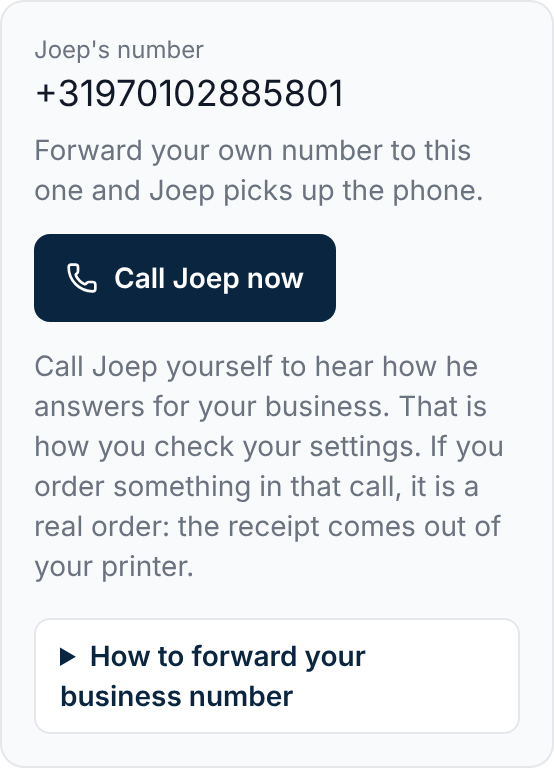
At the top it says “Joep's number”: the number on which Joep answers for your business.
Click “Call Joep now”.
On your phone the dialler opens with the number already in it. If you work on a computer, dial the number on your phone.
Listen to how Joep answers.
You hear the greeting, the tone and the language you set on the Phone page. If you entered no greeting, Joep uses his standard greeting.
Ask about a dish on your menu and its price.
Joep names dishes and prices from your menu. That is how you hear whether he knows your menu well.
Ask when you are open and whether you deliver.
Joep tells callers where you are and when you are open, and if you deliver also where and what it costs. Did you turn on call transfer? Then also ask about one of your topics to hear how that goes.
Place an order if you also want to see the receipt.
This is a real order: the receipt comes out of your printer. If you choose the payment link during the call, the receipt only prints once it is paid. If you do not pay in time, the order lapses by itself.
Change what is not right and call again.
After you save a setting it says “Saved. Joep uses this from the next call.” So you can call again right away.
How to tell it worked
Joep answers with your greeting and names the dishes, the prices and the opening hours of your business. With that you have tested Joep himself. Then call your business number. If Joep answers that too, your forwarding works.
Not working?
Under “Joep's number” there is no number and no button.
Then Joep does not answer for you yet. The number appears there as soon as he does.
Joep quotes a wrong price or does not know a dish.
On the Menu page, look under “How Joep knows your menu” to see what Joep made of your menu. If it is wrong there, upload a new menu.
Joep says you are closed.
Joep looks at your opening hours and says so right away when you are closed. Check your opening hours on the Business details page, or call at a time you are open.
Related articles
Updated on