With Joep Complete
Forward your number
After this article Joep answers when someone calls your business number.
What you need
- The phone of your business: the handset or line your customers call you on.
- Your Joep number. It is in My Joep, on the Phone page.
- A second phone, to test with.
How long it takes: 5 minutes
Steps
Open My Joep and go to Phone.
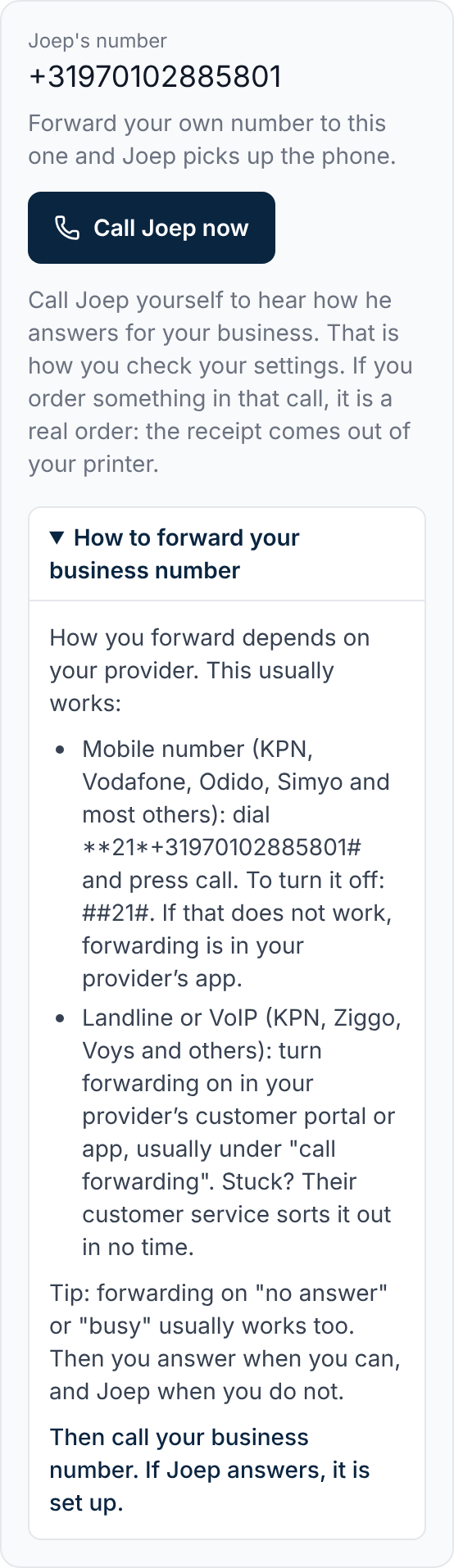
At the top it says “Joep's number”. That is the number you forward to.
Expand “How to forward your business number”.
It shows the code for a mobile number, with your Joep number already in it.
Find the code for your provider and line in the table.
With the code under “Always” every call goes straight to Joep. Replace “number” with your Joep number: ten digits, no spaces. If it starts with +31, dial a 0 instead of +31.
Call forwarding per provider, according to their service pages of 9 November 2026 Provider and line Always Switch off again KPN mobile Always: **21*number# Switch off again: ##21#, ##61#, ##67#; everything at once with ##002# KPN landline Always: *21*number# Switch off again: #21#, #61#, #67#, or in MijnKPN Vodafone mobile Always: **21*number# Switch off again: ##21#, ##61#, ##67#; everything at once with ##002# Ziggo landline Always: *21*number# Switch off again: #21 or #21# for always; the other codes are on ziggo.nl Odido mobile Always: **21*number# Switch off again: ##21#, ##61#, ##67#; everything at once with ##002# Odido landline Always: In Mijn Odido, or call 1233 and choose 3 Switch off again: Not stated; check Mijn Odido Dial the code on the phone of your business and press call.
On a landline you pick up the handset, dial the code and wait for the confirmation.
How to tell it worked
Call your business number from another phone. If Joep answers, it is set up. Your own phone then no longer rings.
Not working?
The code with two asterisks does nothing, for instance when you call over 4G.
KPN and Vodafone then give the same code with one asterisk: *21*number#.
You have a landline number on your mobile or a business phone service.
Then you often set forwarding in that service’s app, not with a code.
Your provider is not in the table, or the code does not work.
Turn forwarding on in your provider’s customer portal or app, usually under “call forwarding”. Still stuck? Their customer service can help you.
Related articles
Updated on